01
Connected mobility POC
Start from a vehicle template, adapt the behavior in the cloud IDE, and validate it on real hardware before scaling the fleet.
Explore use case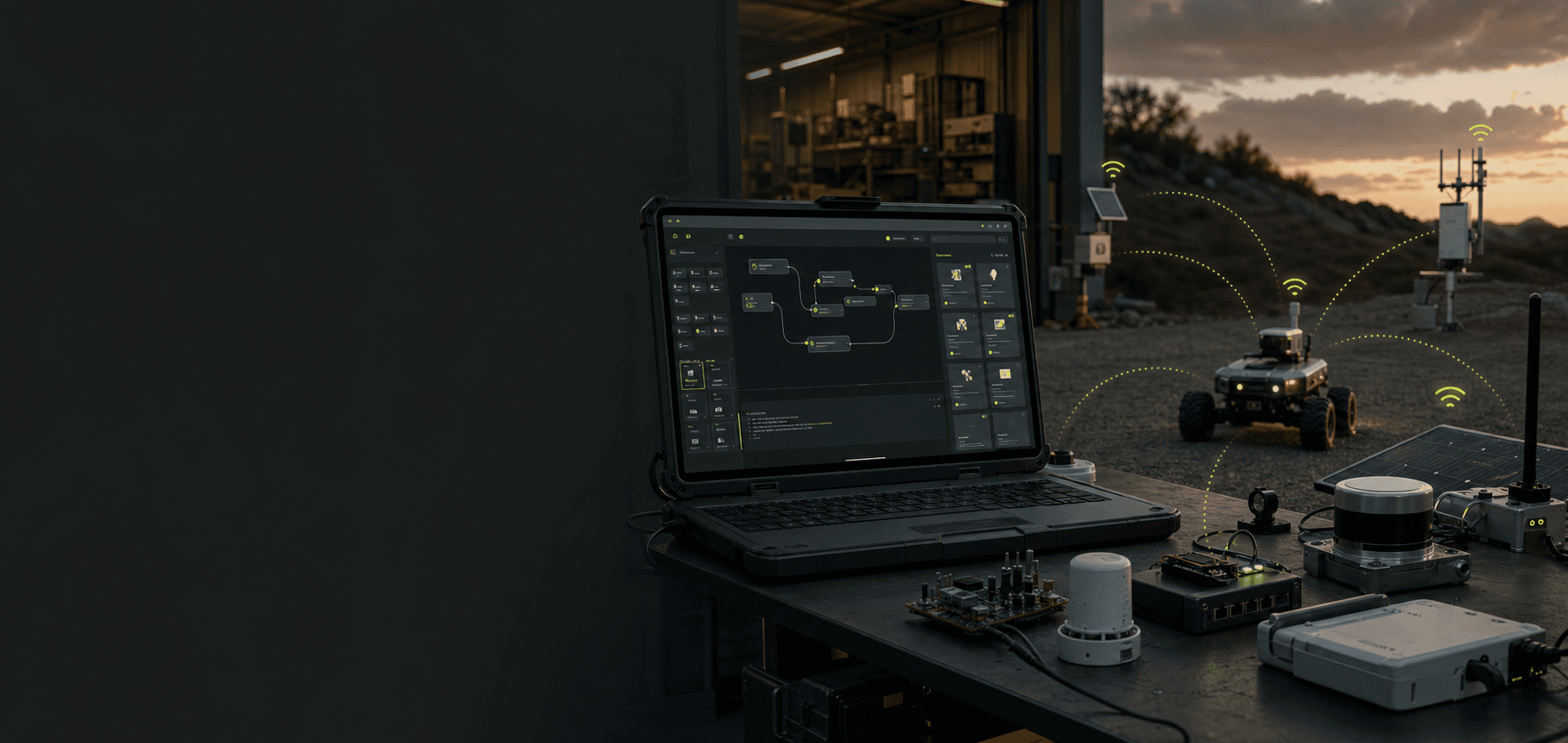
Start with a proven template and build different solutions quickly with AI in a cloud IDE. Wi-Fi HaLow mesh provides the edge connectivity between your mobile app, sensors, gateways, robots, and other physical devices.
EdgeZ brings two layers together: templates and an AI-assisted cloud IDE for building solutions quickly, plus a Wi-Fi HaLow mesh connectivity layer linking mobile apps and devices at the edge.
Explore starter templatesBegin with a working architecture, device driver, and deployment path.
Describe what you need, edit with AI, and test in a ready cloud IDE.
Collect sensor data, send commands, and communicate peer to peer over Wi-Fi HaLow mesh.
The cloud IDE is the fast way to create and adapt different solutions. Wi-Fi HaLow mesh is the connectivity layer that links the mobile experience with devices over a long-range, low-power local network.
Validate software, connectivity, and physical behavior together—before committing to a full product build.
Start from a vehicle template, adapt the behavior in the cloud IDE, and validate it on real hardware before scaling the fleet.
Explore use caseVibe-code a robot integration, connect the mobile control app and sensors, then test peer-to-peer coordination across physical machines.
Explore use caseTurn an equipment idea into a working field prototype with reusable drivers, live telemetry, and edge-native deployment.
Explore use caseSee EdgeZ in the field, explore the code, or join builders working on the future of local machine intelligence.
Turn your next hardware idea into a working physical proof of concept with one connected build-and-deploy workflow.
Explore templates